
- Published on
Synchronizing Google Sheets, Backlog, and Git Without Losing Control
- Authors

- Name
- Nguyen Hong Son (Sam)
- @samhon1459
Introduction
Project automation becomes dangerous when several systems appear to own the same fact.
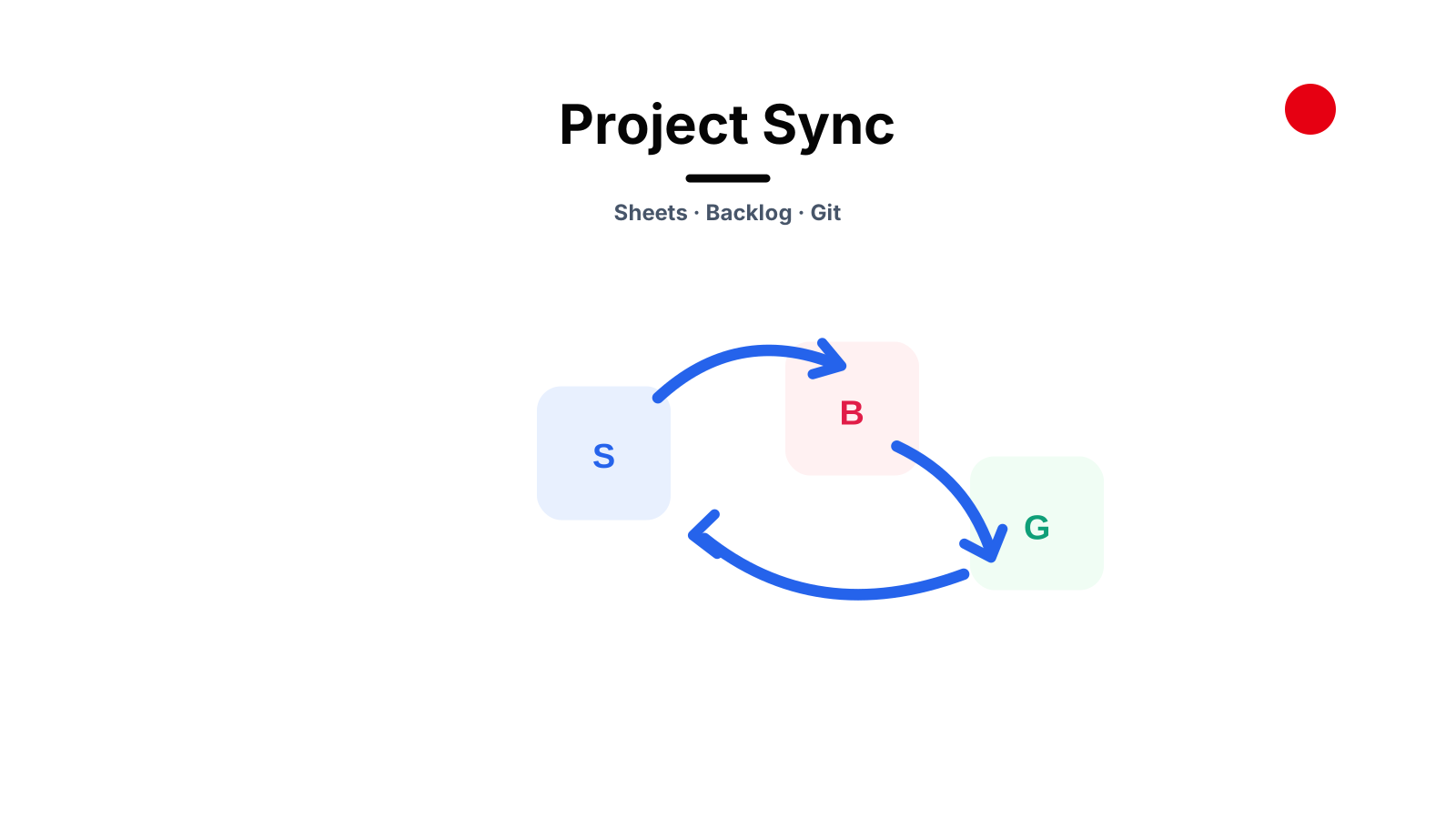
A spreadsheet contains the WBS. An issue tracker contains execution tasks. Git contains delivery history. Local YAML makes automation easier. An AI agent can reach all of them, but easy access does not create consistency.
The solution is not more synchronization. It is explicit ownership and deterministic synchronization.
- Define ownership before automation
- Stable IDs are the backbone
- The safe synchronization loop
- Management data as typed domains
- Connecting WBS and Backlog
- UTF-8 is an operational requirement
- Registries instead of hardcoded connections
- Failure modes to design out
- Conclusion

Define ownership before automation
A practical PM-Control setup can declare:
- Google Sheets as the source of truth for WBS, risks, decisions, stakeholders, and communication plans;
- Backlog as the source of truth for issue execution, comments, attachments, and workflow status;
- Git as the source of truth for application code and reviewed configuration;
- YAML snapshots as portable caches used by deterministic scripts;
- Markdown knowledge as the source of truth for durable technical understanding.
The same data may appear in several places, but each field still has one authority.
For example, a WBS record can store the ID of an issue created from it. That does not make the issue tracker authoritative for the WBS title, dates, and acceptance criteria. It creates a traceable relationship between two systems.
Stable IDs are the backbone
Row numbers are presentation details. They change when users sort, filter, insert, or reorganize a sheet.
Automation should address records through stable IDs:
id: WBS-042
type: Task
title: Implement account lifecycle validation
status: In Progress
issue_id: TEAM-318
definition_of_done: Integration tests pass and behavior is documented
The synchronization process can now find the correct record regardless of its visible row.
Stable IDs also make deletion explicit. If a record is intentionally removed from the source plan, the sync workflow can identify that exact record instead of guessing from a title or position.
The safe synchronization loop
1. Fetch
Always fetch the latest source before editing a local snapshot.
Google Sheets -> validated YAML snapshot
This protects against overwriting changes made by project members since the last local run. The fetch should preserve IDs, normalize data types, and record enough state to detect drift.
2. Plan
Edit the local representation, then calculate a dry-run diff.
The plan should show:
- records to create;
- fields to update;
- records to delete;
- unchanged records;
- validation errors;
- unresolved references.
An AI agent can explain the diff in business language before any external mutation occurs.
3. Apply
Apply only the approved plan through the workflow that owns the invariants.
For management sheets, that may include column mapping, dropdown validation, protected formulas, Gantt formatting, and stable-ID reconciliation. A generic cell update would bypass those rules.
For Backlog, the write path resolves the allowed project from a registry, sends UTF-8 payloads from a file, and maps official project metadata rather than guessing issue types or user IDs.
4. Verify
Read the result back from the external system.
The verification should confirm record identity and meaningful values, not only a successful HTTP status. For a created issue, read its title, project, status, assignee, and attachment metadata. For a WBS update, fetch the record again and compare the intended fields.
fetch -> plan -> approve -> apply -> read back
^ |
+--------------------------------------+
The loop closes only when observed external state matches the plan.
Management data as typed domains
A mature project sheet is more than a grid. It contains several related domains.
WBS
Work packages and tasks need owners, dates, deadlines, statuses, priorities, acceptance criteria, and links to risks or issues.
Risks
Risks need probability, impact, mitigation, contingency, owner, and related work. They should not be hidden as comments inside a task row.
Decisions
Decisions record context, the chosen option, reason, impact, related WBS items, supporting knowledge, and verification evidence.
Stakeholders
Stakeholder records support ownership and communication without hardcoding names into dropdowns or scripts.
Communications
Communication rules define purpose, channel, frequency, owner, escalation, and customer-facing expectations.
Treating these as typed records makes automation safer and reporting more useful.
Connecting WBS and Backlog
A common workflow creates internal issues from approved WBS records.
The safe sequence is:
- Fetch the latest WBS.
- Select records that meet explicit creation criteria.
- Resolve Backlog project metadata from the configured registry.
- Produce a dry-run showing issue payloads.
- Create the issues after approval.
- Read back each new issue.
- Save the returned issue ID on the original WBS record.
- Synchronize and verify the WBS again.
This creates bidirectional traceability without pretending that one system fully replaces the other.
UTF-8 is an operational requirement
Multilingual projects often fail in unglamorous ways. Vietnamese and Japanese content can be corrupted when it passes through a shell command, an incorrectly encoded form body, or a platform-default code page.
External writes should therefore use UTF-8 files for non-ASCII payloads. API clients should set the charset explicitly when possible. After the write, read the content back and check for replacement characters or question marks.
Encoding verification belongs in the workflow, not in a troubleshooting note after customer data is damaged.
Registries instead of hardcoded connections
Connection details should be resolved from a registry:
logical project + role
|
v
allowed connection -> official project key -> credential reference
The agent can request "the internal issue tracker for <project_id>" without copying a domain or API key into the command or generated script.
The registry also creates an allowlist. A workflow cannot casually write to a different customer space because the model recognized a similar project name.
Failure modes to design out
Updating by visible row
Sorting a sheet should never change record identity. Use stable IDs.
Editing a stale cache
Fetch before modifying source-of-truth data.
Applying without a plan
External writes should be reviewable as a dry-run diff.
Assuming success from an API response
Read the created or updated record back.
Duplicating issue and WBS ownership
Declare which system owns each field and store references between them.
Hardcoding metadata
Issue types, priorities, users, and custom fields should be read from the target project instead of guessed.
Conclusion
Reliable project automation is not a collection of API calls. It is a controlled data pipeline built around ownership, stable identity, reviewable plans, and read-back verification.
Google Sheets, Backlog, Git, and local snapshots can work together cleanly when each system has a declared role. The AI agent then becomes an operator of a deterministic process rather than an improviser moving data between interfaces.